
AI Response Generator
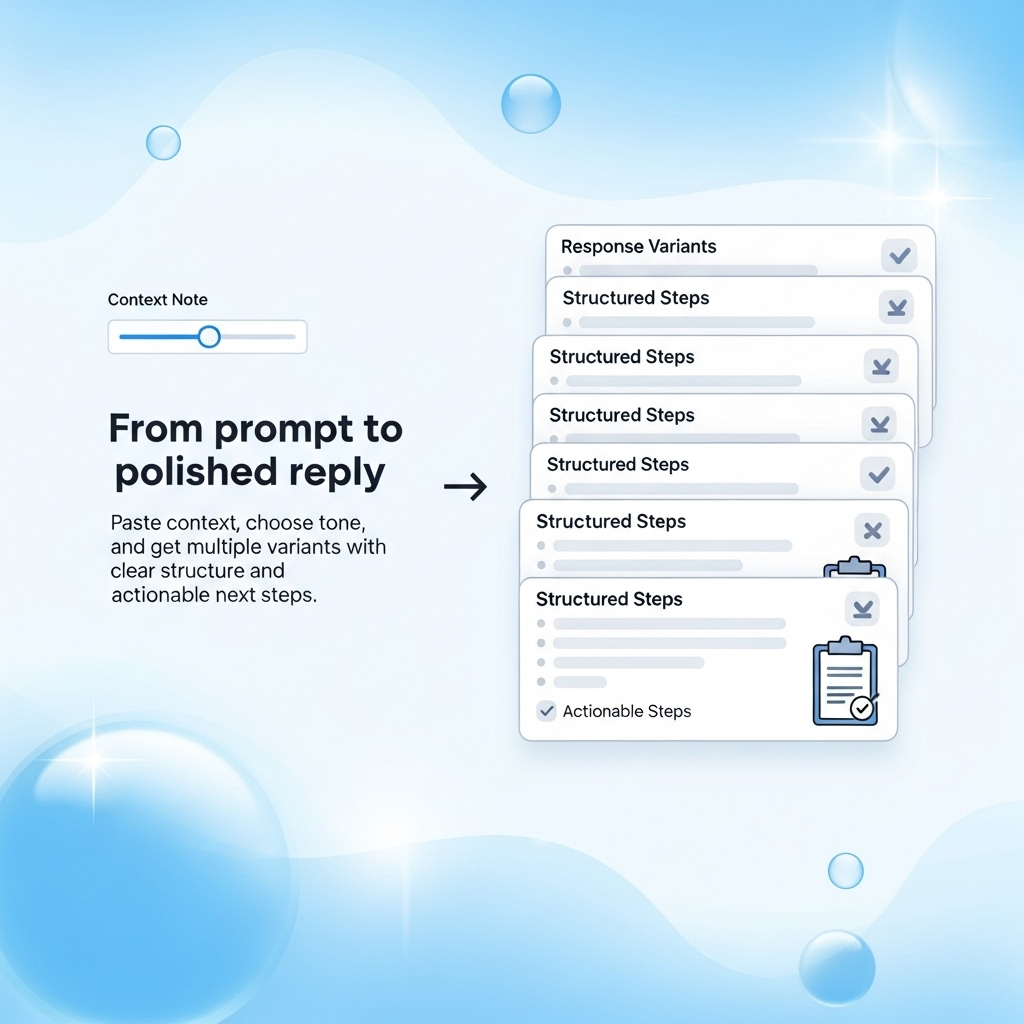
Paste context, choose tone, and generate ready-to-send replies for email, support, social, and more.
Create Polished Responses
Give us context and preferences. We’ll return multiple variants you can copy or save.
155/2200 chars
Tip: Lead with the user’s goal, state the decision, then propose the next best action with a clear CTA.
How it works
How it Works
Describe the task
Paste the message, ticket, or topic. Add any must-include points.
Pick tone & style
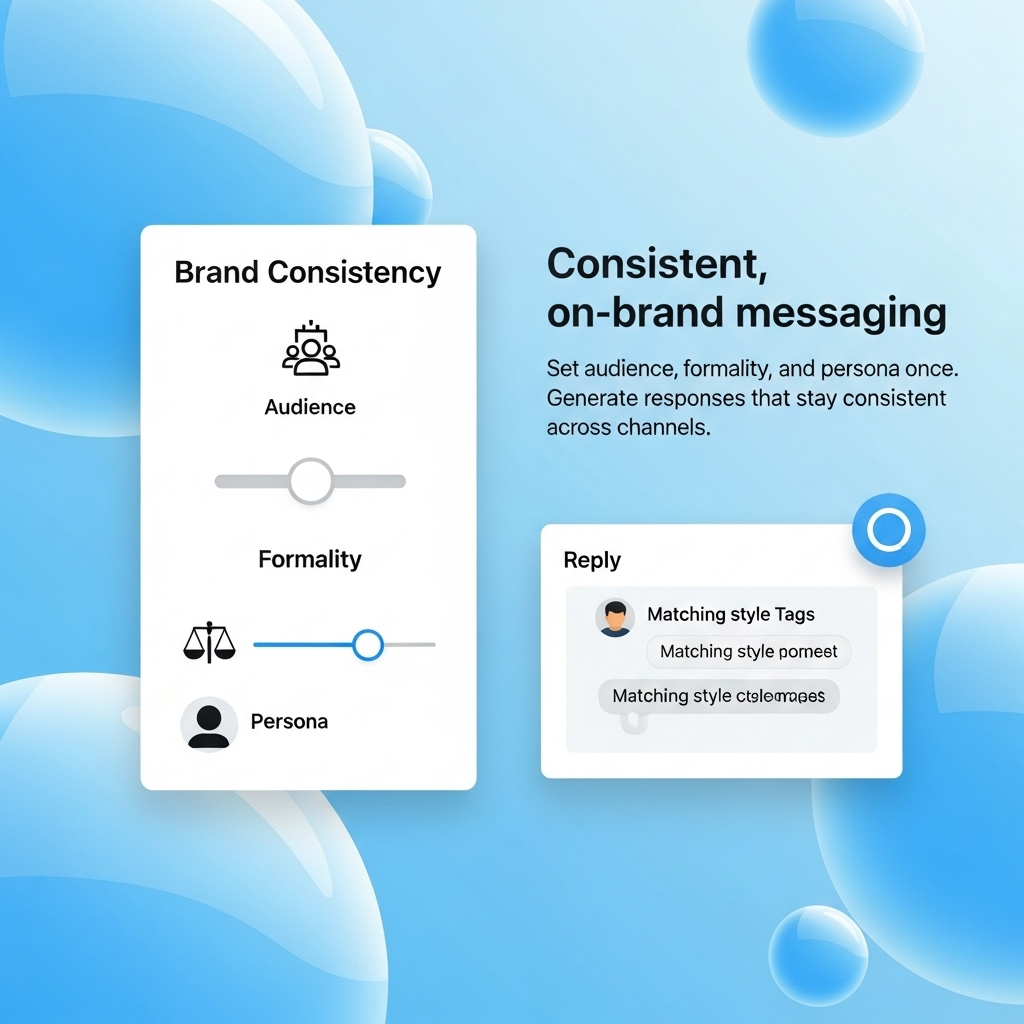
Choose audience, tone, length, and formatting preferences.
Generate & refine
Get multiple variants you can copy, save, or fine-tune.
Use cases
How the Response Generator Helps
Consistent, clear, and on-brand replies for every channel.
Customer Support
Resolve tickets with empathetic, policy-aligned replies and checklists.
Email Replies
Draft professional responses with clear CTAs and next steps.
Social Media
Create captions, threads, and replies tailored to each platform.
Multilingual
Instantly translate and localize responses for global audiences.
FAQ
Frequently Asked Questions
Everything you need to know about this tool.
Email replies, customer support messages, social captions, FAQ answers, announcement notes, and general Q&A in multiple languages.
Yes. Pick tone (e.g., friendly, formal), length (short, medium, long), and formatting (bullets, checklists, CTAs, emojis).
Yes. It generates new text from your inputs. Turn on plagiarism-safe mode for extra caution.
Provide a brief brand/persona description and it will align responses to that style.
100% free. No sign-up required.
Testimonials
What Our Users Say
Trusted by thousands of users every day.
“Replies sound exactly like our brand-tone control is spot on.”
Ayesha
Support Lead
“Turned a messy email thread into a crisp response in seconds.”
Hamza
Account Manager
“We ship social captions faster with consistent voice across platforms.”
Noor
Content Strategist
Quick answer
What is AI response Generator, and is it really free?
AI response Generator is a free online tool from FaddyAI that turns a short prompt into finished response output in about 5-10 seconds. It solves one specific problem: Craft appropriate responses to messages quickly. Unlike most alternatives it requires no account, no credit card, and no download, so the first generation happens on the first visit.
AI response Generator at a glance
| Price | Free. No trial, no credit card, no paid tier. |
|---|---|
| Account required | No. Anonymous access, no email requested. |
| Usage limit | Unlimited generations, no daily quota. |
| Time to first result | About 5-10 seconds. |
| Best for | Professionals, customer service, and social media managers. |
| Not suitable for | Team workspaces, saved generation history, or bulk API access. |
AI response Generator vs paid response tools
Paid response tools generally charge $10-$40 per month, require an account before the first result, and meter output by word or credit. AI response Generator removes the subscription, the sign-up, and the quota. The trade-off is that FaddyAI does not store your history between sessions and offers no team seats, so copy anything you want to keep.
Free tool at faddyai.com/ai-response-generator · Last updated
Related AI Tools
Answer Generator
Get instant, well-structured answers to any question. Free AI answer generator for research and learning. Experience professional results with our free.
LinkedIn Headlines
Generate powerful LinkedIn headlines that get you noticed. Free AI LinkedIn headline optimizer for professionals. Experience professional results with our.
What is AI Response Generator?
AI Response Generator is a free, browser-based AI tool that generates response output from a short description of what you need. It is aimed at people who want a usable result in one step rather than a workspace to manage, so there is no account, no install, and no usage meter. Results typically arrive within 5-10 seconds.
How does AI Response Generator work?
- Open faddyai.com/ai-response-generator in any browser.
- Describe what you need in the input field — a sentence is usually enough.
- Press Generate and wait a few seconds while the model runs.
- Copy the response output, or regenerate if you want a different angle.
How much does AI Response Generator cost?
Nothing. There is no trial window, no credit card step, and no premium tier that unlocks better output. FaddyAI covers the model cost through advertising, which is why the tool can stay free without metering generations.
AI Response Generator specifications
- ✦Pricing: 0.00 USD — free, no credits
- ✦Access: Anonymous — no signup, no email
- ✦Usage volume: Unlimited generations, no daily quota
- ✦Platform: Any modern browser on desktop, tablet, or mobile
- ✦Output: Editable text you can copy straight into your own document
Who should use AI Response Generator?
AI Response Generator suits students, freelancers, technical writers, and small business owners who need a response result occasionally and do not want a recurring subscription for it. It is a good fit when the job is a one-off and speed matters more than collaboration features.
When is AI Response Generator not the right choice?
AI Response Generator is the wrong tool if you need saved generation history, shared team workspaces, brand-voice training, or programmatic API access — FaddyAI offers none of those, and a paid platform will serve you better. It is also not a substitute for expert review: treat every output as a first draft and check anything factual before publishing.
As seen on